
Loftia on Steam Deck at a glance
| Steam Deck support | Confirmed by the developer |
|---|---|
| Controller play | Supported |
| Internet | Always required |
| Valve Verified rating | Not confirmed in checked sources |
| Recommended settings | Not published |
| Try it free | Demo, October 19–26, 2026 |
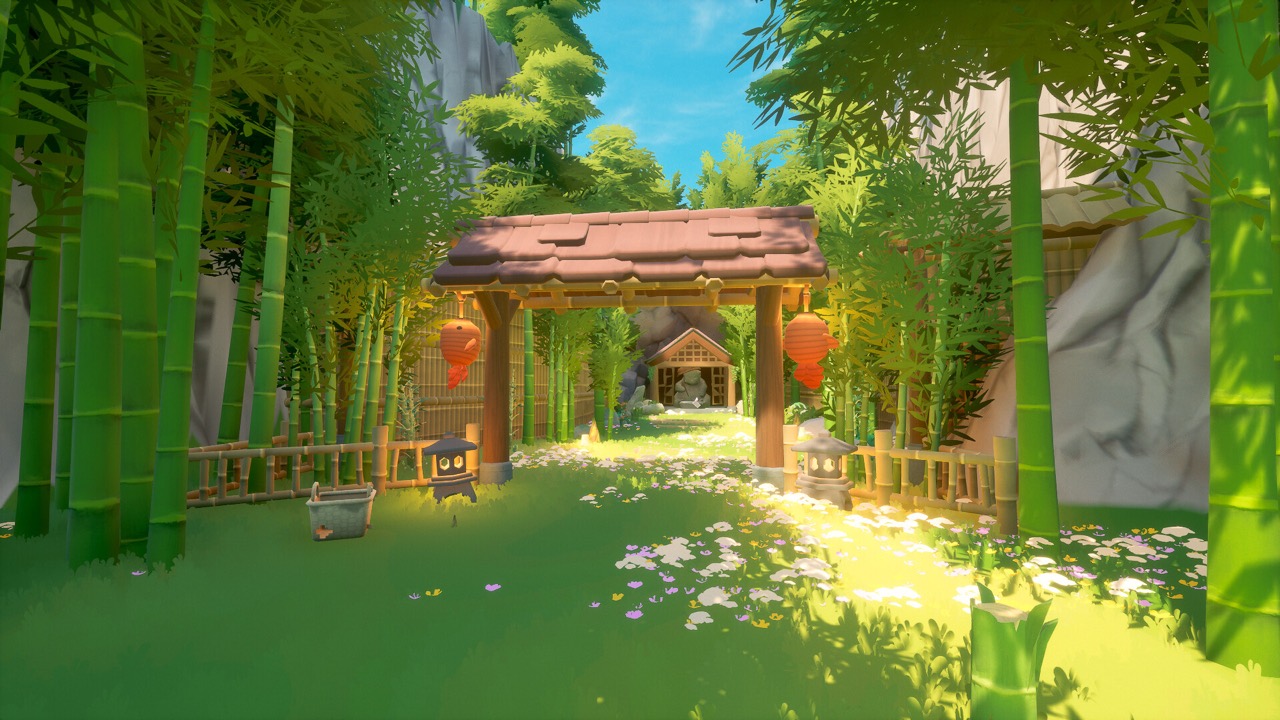
Developer support versus Valve’s rating
The official FAQ includes Steam Deck in its current platform answer. The developer’s demo and Early Access overview repeats that controller play and Deck support are part of the plan. Taken together, that is a clear statement that Qloud Games supports the device. It is the most up-to-date official position.
Developer support is not the same thing as Valve’s compatibility rating. Steam shows its own badges, such as Verified or Playable, based on Valve’s testing. The sources checked for this page did not confirm a specific Valve badge for Loftia. Look at the Steam page for the current rating rather than assuming one.
Some older copies of official landing pages said the Deck was not officially supported. The current FAQ wording supersedes them. If you find an old page saying otherwise, check its date. The live FAQ is the version to trust.
In practice, developer support means the studio intends the game to work on the Deck. It does not tell you how smooth the experience will be on every setting. That is why trying the free demo on your own Deck is worthwhile. It gives you real information instead of assumptions.
Controller and gamepad play
The FAQ confirms that Loftia can be played with a controller or gamepad. That matters on the Deck, which uses built-in controls. Controller support also helps players on Windows and Mac who prefer a gamepad. A creator video about the release date repeated the same Steam Deck and controller information.
Exact button layouts and control schemes were not verified for this page. No official Deck-specific control template was found in the checked sources. Steam’s own controller settings let you adjust layouts if needed. Check the in-game options once you start playing.
Loftia’s activities include farming, crafting, home decoration and exploring with other players. Those are the kinds of tasks you will be doing with the Deck’s controls. Text input for chat may be easier with the Deck’s on-screen keyboard or an attached keyboard. Check the Steam overlay options if you need them.
Internet is always required
Loftia is an online shared-world MMO, so it always needs an internet connection. That applies on the Steam Deck just as it does on a desktop. The official demo page notes the online requirement alongside the platform information. There is no verified offline mode.
This is important if you like to play handheld games while travelling. Without a connection, the game cannot be played. Solo play is supported, but playing alone still requires being online. Plan to use Wi-Fi or another stable connection.
The online requirement comes from the game’s design as a shared world. Friends must be on the same server to play together, and players are not permanently locked to one server. Solo progression is supported within that online world. The Deck simply connects to the same servers as other Steam players.
Try the demo on your own Deck
The free Loftia demo runs from October 19 to October 26, 2026 on Steam. It has its own store page, app 5315310, and you can install it directly on the Deck. That lets you see how the game feels on your device before Early Access. You do not need to buy anything.
The demo covers the opening Loftia City quests, gathering, farming and home decoration. It ends before the Hanging Gardens quest segment. Link your Loftia website account in-game with your email so your progress carries into Early Access. Unlinked progress cannot be recovered later.
The demo also includes a reward for exploring the Player Neighborhood, called the Neighborhood Demo Banner. You claim it through your account on the official Loftia website. Playing on the Deck does not change how these rewards work. The same linked account carries everything into Early Access.
Performance settings we do not publish
No verified Proton version, graphics preset, stable frame rate or power limit was established for this page. Guides that list exact Deck settings may be based on one person’s test. We do not copy those numbers without evidence from the current build. Your own results may differ.
The safest approach is to start with default settings and adjust only if needed. The demo is a good place to experiment. If you find settings that work well, the official Discord is a place where players share experiences. Remember that performance can change with updates during Early Access.
If something does not work as expected on the Deck, report it through the official channels. The FAQ points players to the official Discord for questions to the team. Clear reports help the developer improve support during Early Access. Avoid unofficial fixes that change game files.
Release date and price
Loftia enters Early Access on November 3, 2026 at 1pm EST, which is 10am PST and 18:00 UTC. It is sold on the main Steam page, app 2320980, which is the same purchase used on the Deck. The announced US base price is US$29.99. A limited-time launch discount brings it to US$24.89.
There is no required game subscription, and optional purchases are cosmetic. Other regions use regional pricing on Steam. The developer warns that pricing may rise before or at version 1.0. Wishlist the game to be notified on launch day.
The purchase you make on Steam is the same one you use on the Deck, so there is no separate handheld edition. Your linked Loftia account carries your progress between devices. You could play the demo on a desktop and continue on the Deck later. Your progress depends on the account, not on the device.
Other handheld and console options
If you prefer a Nintendo console, a Switch version is planned for 2027. The current FAQ does not give a precise date or price for it. Switch 2 support, cartridges and cross-play were not confirmed in the checked sources. The Steam Deck is the confirmed handheld option at launch.
Cross-platform play is described by the developer as an aim under evaluation. Friends need to be on the same server to play together, but players are not permanently locked to one server. Our multiplayer guide explains how servers work. For now, the Deck plays the same Steam version as Windows players.
If you also own a Mac, note that the Mac version has its own requirements on Steam. The listed minimum is macOS 14 Sonoma with an Apple M2 chip, and Intel-based Macs are excluded. The Deck runs the Windows build through Steam. Each platform has its own requirements, so check the one you will use.
Sources and further reading
- Loftia — Official FAQ
- Loftia — Official Demo and Early Access overview
- Loftia — Official website
- Loftia Demo — Steam store page
- Loftia — Steam store page and Early Access statement
- Qloud Games — Official Steam announcements
- Team Loftia — Early Access announcement on Reddit, September 20, 2026
- Loftia — Official Discord gateway