
Loftia account at a glance
| Where to sign up | loftia.gg pre-registration form |
|---|---|
| Where to log in | loftia.gg/login |
| Cost | Free |
| Form fields | Name, email, optional referral code, age 13+ confirmation |
| Used for | Demo progress, rewards and character name carryover |
| Name deadline | Log into Early Access by February 3, 2027 |
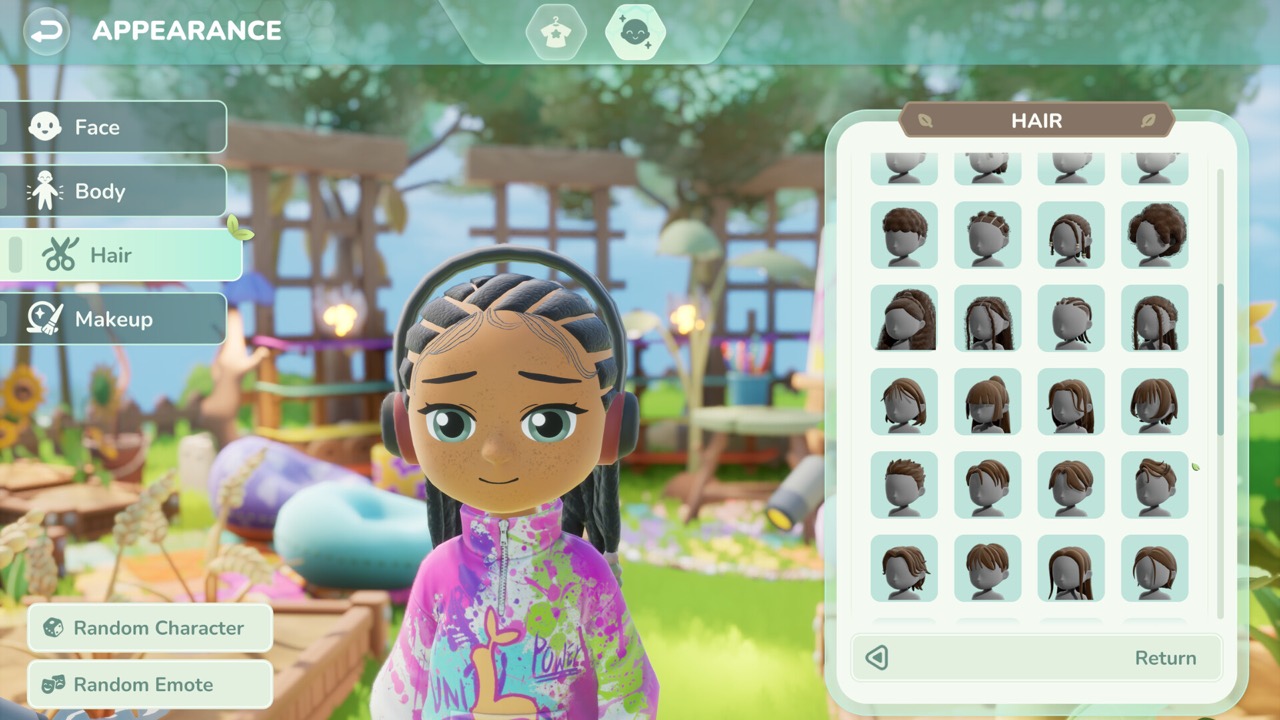
What the Loftia account is for
Loftia uses two separate identities, and mixing them up causes most of the confusion. Your Steam account is where you install the demo and later buy the game, while your Loftia account lives on the official website. The website account is what tracks your progress, rewards and invites across test phases. Think of Steam as the launcher and the loftia.gg account as your profile in the world.
The official demo page asks players to sign in to their loftia.gg account to track progress and claim rewards. That is why the account matters even though the demo itself is free on Steam. Without it, nothing you earn during the trial has a place to be stored. Creating the account takes only a minute, so it is worth doing before your first session.
How to create an account
Open the pre-registration form on the official website, which is titled Pre-register for Loftia. It asks for a name and an email address, with an optional field for a referral code. You also confirm that you are at least 13 years old before pressing Continue. There is no payment step, and you do not need to own the game to sign up.
Use an email address you plan to keep, because the same address is used when you link the account in the game. A developer update for backers noted that mismatched emails are a known cause of reward problems. If you already registered during pre-registration in September, do not make a second account. Log in with the original one so every reward stays in a single place.
Where the loftia.gg login is
The website header has a Login link, and the registration page has a Log in link for existing users. Both point to the same address, loftia.gg/login. Many searches for a Loftia login come from players who registered weeks ago and now need to link the demo. Bookmark the page so you can reach it quickly during the trial week.
Always type the address yourself or follow the link from the official website. Look-alike pages and unofficial reward offers tend to appear around popular demos, and they often ask for an email and password. The official domain is loftia.gg, and the official store pages are on Steam. If a site promises extra items in exchange for your login, treat it as a scam.
The registration page does not describe a password reset flow, so account recovery questions belong with the official team. The Loftia Discord is the recommended channel for talking with the developers and other players. Bugs, login problems and missing rewards are handled there or through the support options the team announces. A fan wiki like this one cannot access or fix game accounts.
Linking the account in the demo
Linking happens inside the game rather than on the website. Start the Loftia Demo on Steam, then link your website account with the same email you used to register. The developer’s October 19 announcement says that linked progress, collected items and quests carry into Early Access. Progress that is never linked cannot be recovered, so make this the first thing you check.
If you play several sessions, confirm the link after the first one instead of assuming it worked. That single check protects every hour you put into the trial week, which ends on October 26. After that, the next chance to play is Early Access on November 3, 2026. A linked account means you continue exactly where you stopped.
Claiming rewards is a separate step from linking. The Demo Banner unlocks in the game, and you then claim it through your account on the official website. If a reward does not appear, first check that you are signed in with the same email you linked in the demo. Most missing rewards turn out to be a second account created by mistake, so log out and try the original address before contacting support.
Referral codes and invite rewards
The referral code field on the registration form is optional. You can type a friend’s code by hand, or open their referral link so the field fills in automatically. You never need a code from a stranger to create an account. Posts that sell or trade referral codes offer nothing you cannot get for free.
Inviting friends earns cosmetic rewards that you track through your official account. According to the demo page, inviting one friend to play the demo earns the Pebble Chair, and inviting two earns the Pebble Couch. There is also a Demo Banner for players who join the demo during the Next Fest week. These items come from the official invite system, not from public redeem codes.
Keeping your character name
Character names claimed during the demo can carry into Early Access, but there is a deadline. The demo page says that if you do not log into Early Access between November 3, 2026 and February 3, 2027, your character name will be made available to other players. Logging in once during that window is enough to keep it. Set a reminder if the name matters to you.
The name on your website account is not the same as your in-game character name. Reserving a character name depends on playing with a linked account, not on what you typed into the registration form. That is another reason to link the account early in the demo. Our pre-registration guide explains how the website account fits into the wider launch timeline.
Account questions after launch
Loftia is buy-to-play on Steam and the Epic Games Store, and the game has no subscription to play. Each platform is a separate purchase, and the official FAQ says cross-play is still being evaluated. The game is online-only, so you always sign in to play, even when you play solo. A Nintendo Switch version is planned for 2027, and it will need a Nintendo Switch Online membership.
The FAQ also explains that only players on the same server can play together, but you are not locked to a server. That means your account is not tied to a single region forever. Details such as account transfers between platforms have not been announced yet. We will update this page when the official FAQ adds them.
Sources and further reading
- Loftia — Official pre-registration form
- Loftia — Official account login
- Loftia — Official Demo and Early Access overview
- Qloud Games — Official Steam announcements
- Loftia Demo — Steam store page
- Loftia — Official FAQ
- Loftia — Official Discord gateway
- Qloud Games — BackerKit project updates
- Team Loftia — Pre-registration announcement on Reddit, September 16, 2026